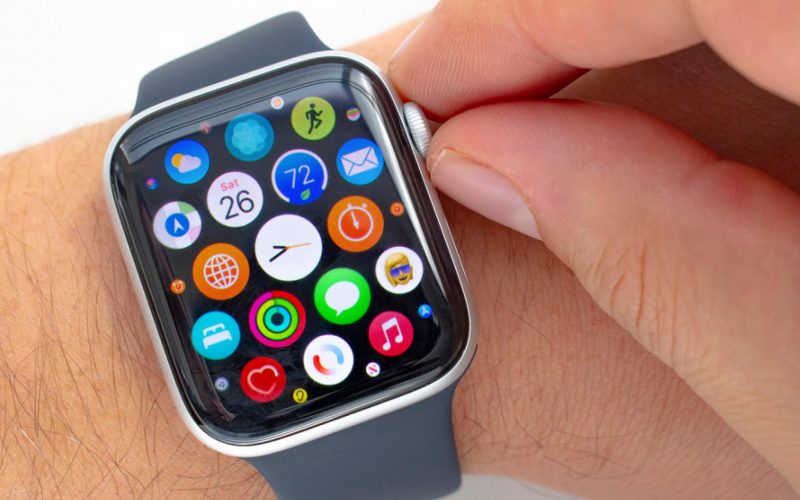
Millions of people worldwide use Apple Inc.‘s (NASDAQ:AAPL) smartwatches. While for some, the watch may just be an expensive status symbol, others use it to showcase their tech-savvy way of life.
But there are also many who may not be aware of the huge potential of these smartwatches. That’s where this YouTube video comes in!
What Happened: Hayls World, a YouTube channel with 1.4 million subscribers, shared a video about 25 not-so-popular Apple Watch tricks and tips — and users must give them a try.
The video provides a glimpse into the full potential of an Apple smartwatch and shows why they’re much more than just an expensive accessory.
See Also: Apple Users, Magically Share Text Or Images Between Your Devices Using This Pinch-And-Paste Gesture
The 12-minute video discusses several features, including Taptic Time, Watch Faces, Workout Mode, Assistive Touch, Medication Reminder, Watch Mirroring and Keyboard functions.
Out of all the features, Taptic Time might interest users the most.
Here is a step-by-step guide on how to active Taptic Time feature on Apple Watch:
Step I: Open the Settings app on the Apple Watch.
Step II: Tap on Clock and scroll down. Go to Taptic Time.
Step III: Turn the Taptic Time button to ON and then choose a setting — Digits, Terse or Morse Code.
Step IV: Tap on the watch face by holding two fingers.
It is pertinent to note that the Taptic Time feature also works when the Always On Display is dimmed, according to the Apple support page.
Watch this and other features in action:
At the time of writing, this video had more than one million views on the platform.
Check out more of Benzinga’s Consumer Tech coverage by following this link
Read Next: Love Emojis? Viral TikTok Explains How To Create A Customized One On Your iPhone