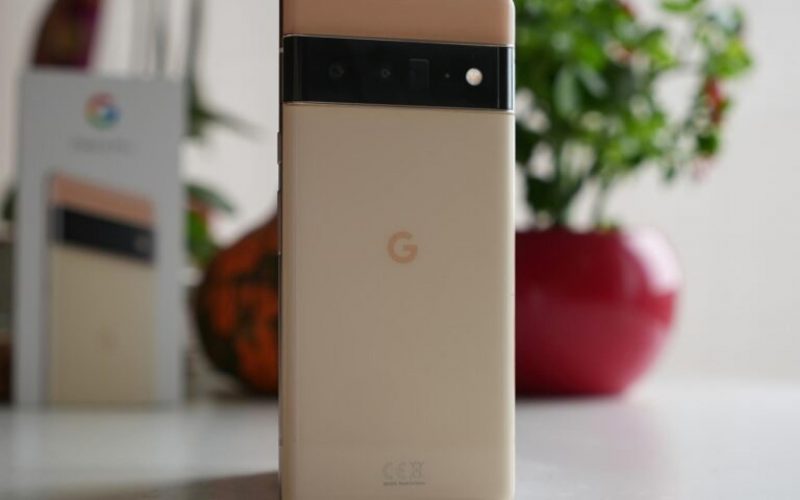
Alphabet Inc.’s (NASDAQ:GOOG) (NASDAQ:GOOGL) Google is catching up to Apple with a new feature in Android 14 – the ability to use your Pixel phone as a webcam.
What Happened: Google has added the ability to use Pixel phones as webcams in the Android 14 QPR1 Beta 1 update, catching up to Apple Inc. (NASDAQ:AAPL) which added this feature last year.
See Also: Here’s Everything iPhone 15 Pro Can Do With The New USB-C Port That Older iPhones Could Not
To recall, Apple added a feature called Continuity Camera with the macOS Ventura update that is supported on iPhone XR or later. This allows users to connect the iPhone to their Mac and use it as a webcam, utilizing the much better cameras on iPhones.
Now, Google is testing this feature with the Android 14 QPR1 Beta 1 update – this is the beta channel that users with eligible Pixel phones can download and install right now.
What makes Google’s solution better is that any device that can handle a webcam can use an Android phone as a webcam. There is no restriction on MacOS, ChromeOS or Windows computers.
Here’s How You Can Use Your Pixel Phone As A Webcam
To use your Pixel phone as a webcam, you will need to have the latest Android 14 QPR1 Beta 1 update installed.
- Plug in your Pixel phone to a computer – whether it’s a Mac, a Windows computer, or a ChromeOS device.
- Now, on your Pixel phone, pull down the notification drawer and tap the Charging this device via USB notification.
- Lastly, tap the Webcam option.
You should now be able to see a visual on your computer. By default, the computer uses the rear camera for the video feed.
- To change to the front camera, tap the Device as Webcam notification.
- This will open an app that lets you preview and manage the video feed – you can choose between 1x and 2x zoom, as well as the front or rear cameras.
- You can then simply lock your phone and continue using it as a webcam.
Check out more of Benzinga’s Consumer Tech coverage by following this link.
Read Next: First iPhone 15, iPhone 15 Pro Reviews Praise USB-C: Cameras Improved, But Image Quality Still Not The Best
Photo via Shutterstock